
Documentation
Hosting on Vercel
Want to host Trivia UP for yourself so you have full control and your own domain? Don't worry! Here are the exact steps!
Tech Stack
Deploying on Vercel

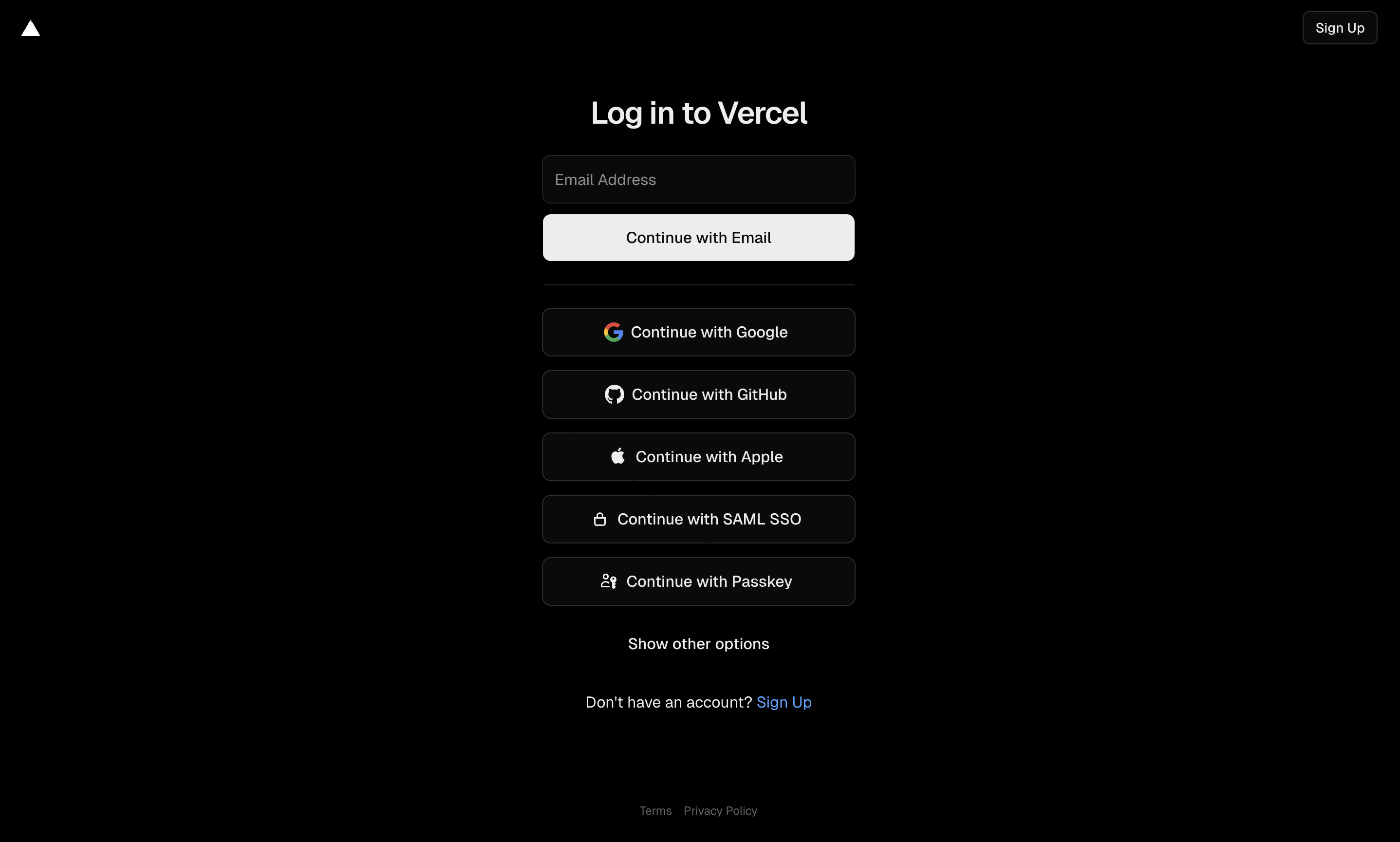
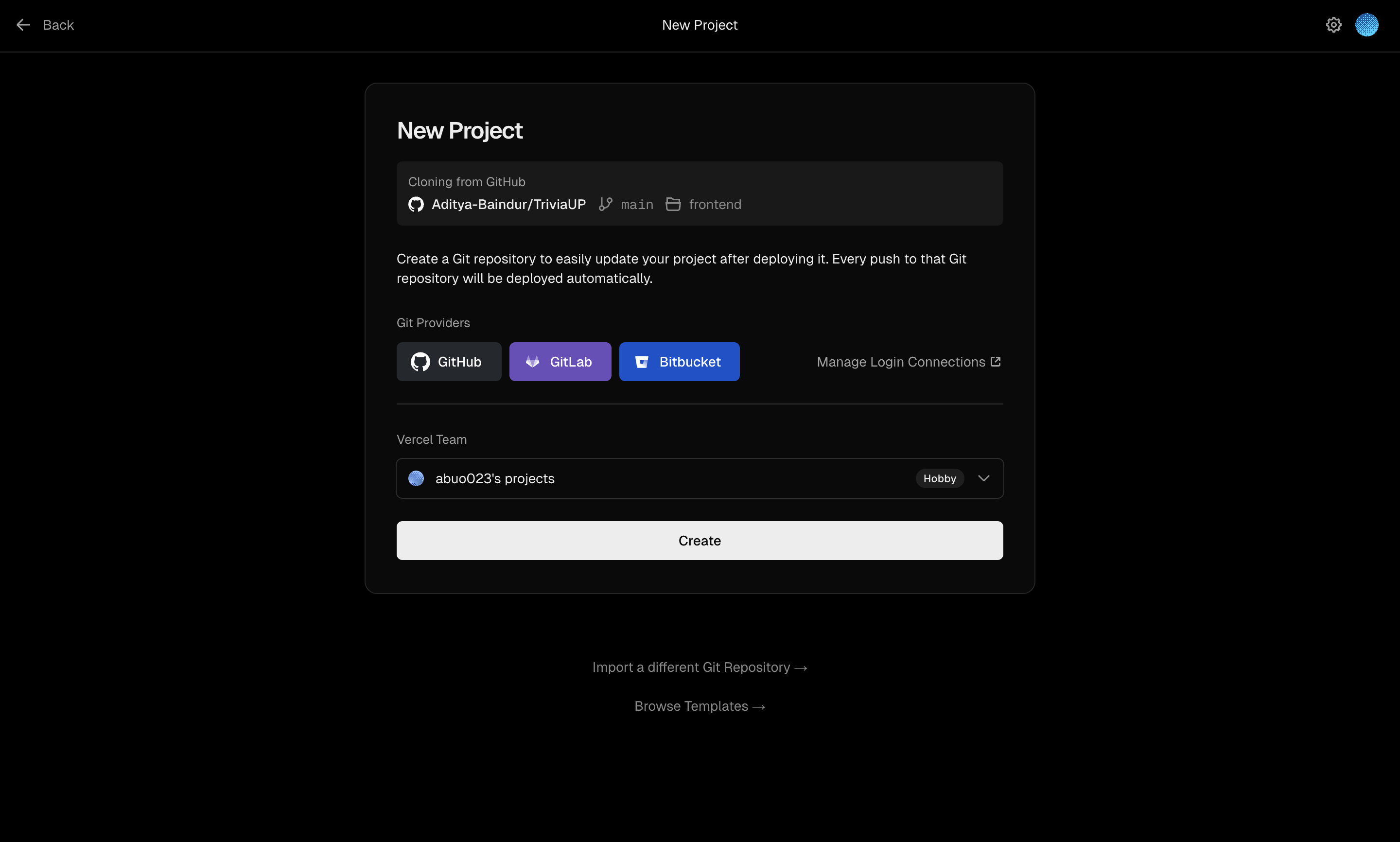
Copy final Backend URL
You will find this URL in your dashboard :
In this example it is :
https://trivia-up-backend.vercel.app/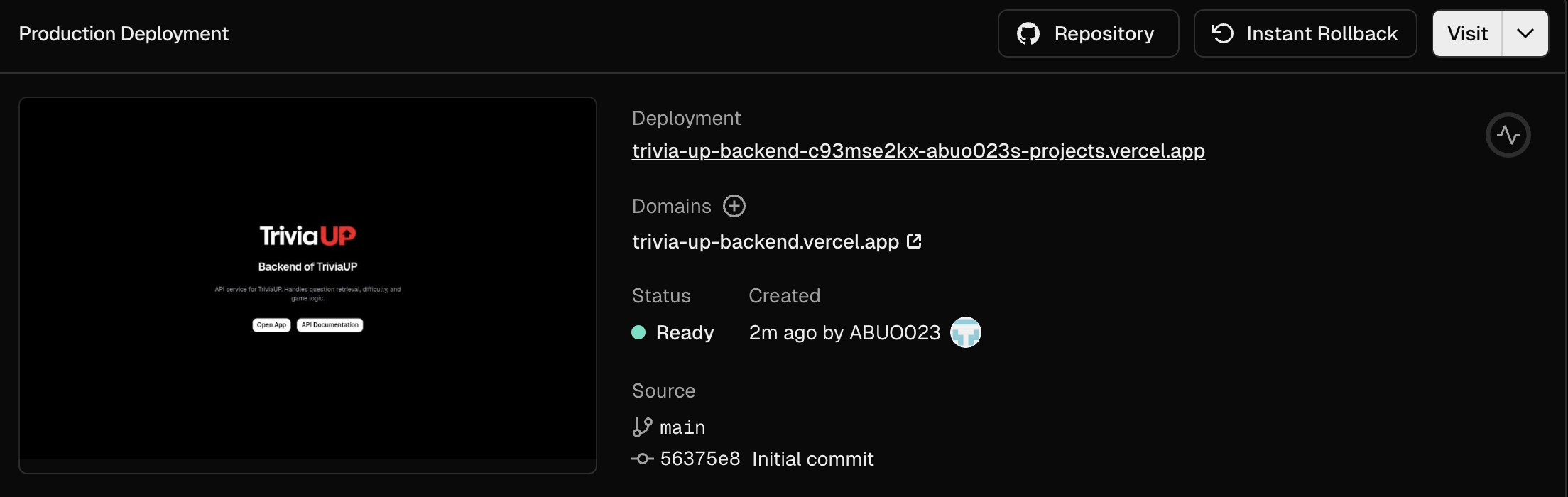
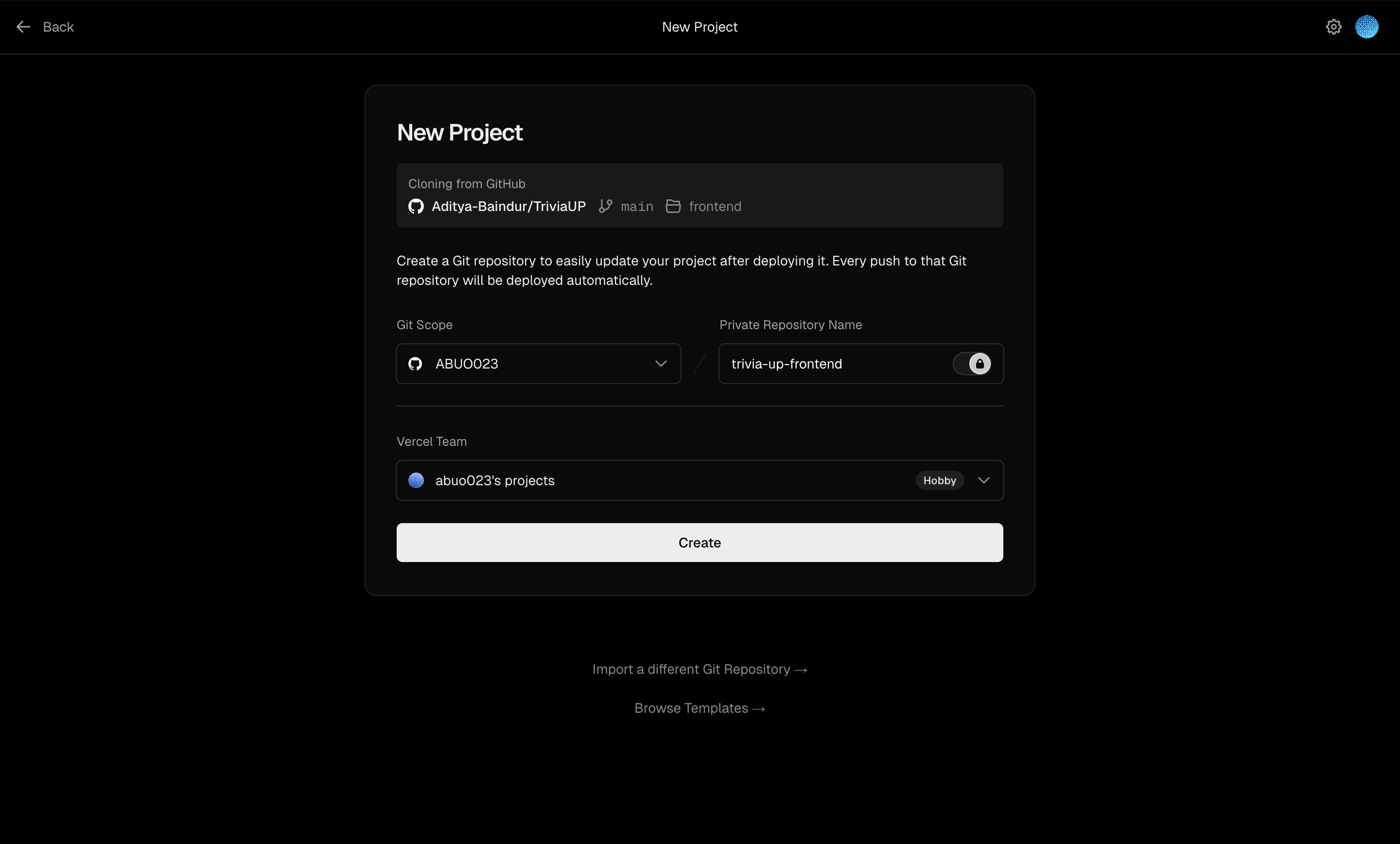
Update VITE_BASE_URL
Use the backend URL from step 5
Make sure to use URL under Domains
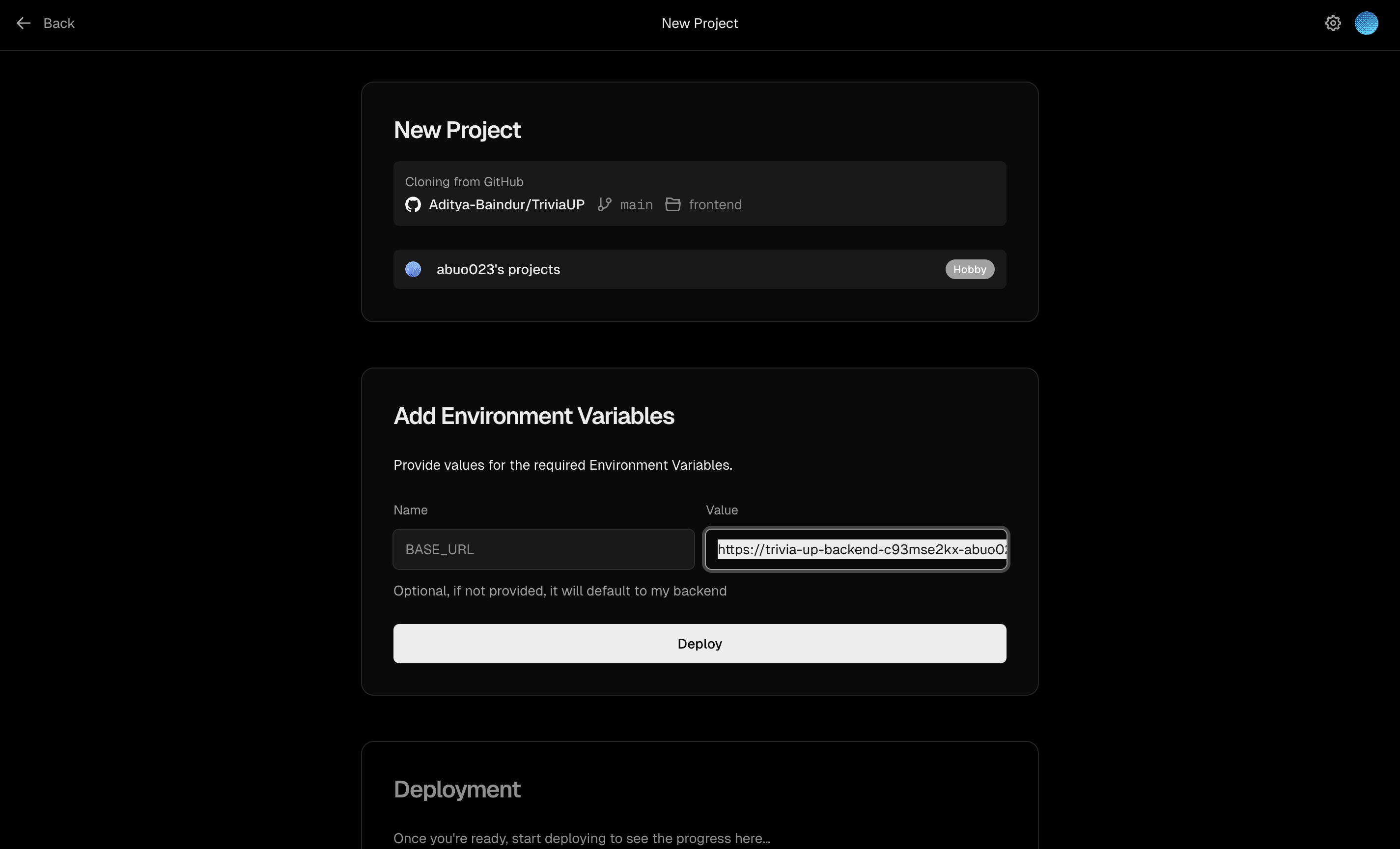
You can now deploy!
Frontend Deployed!
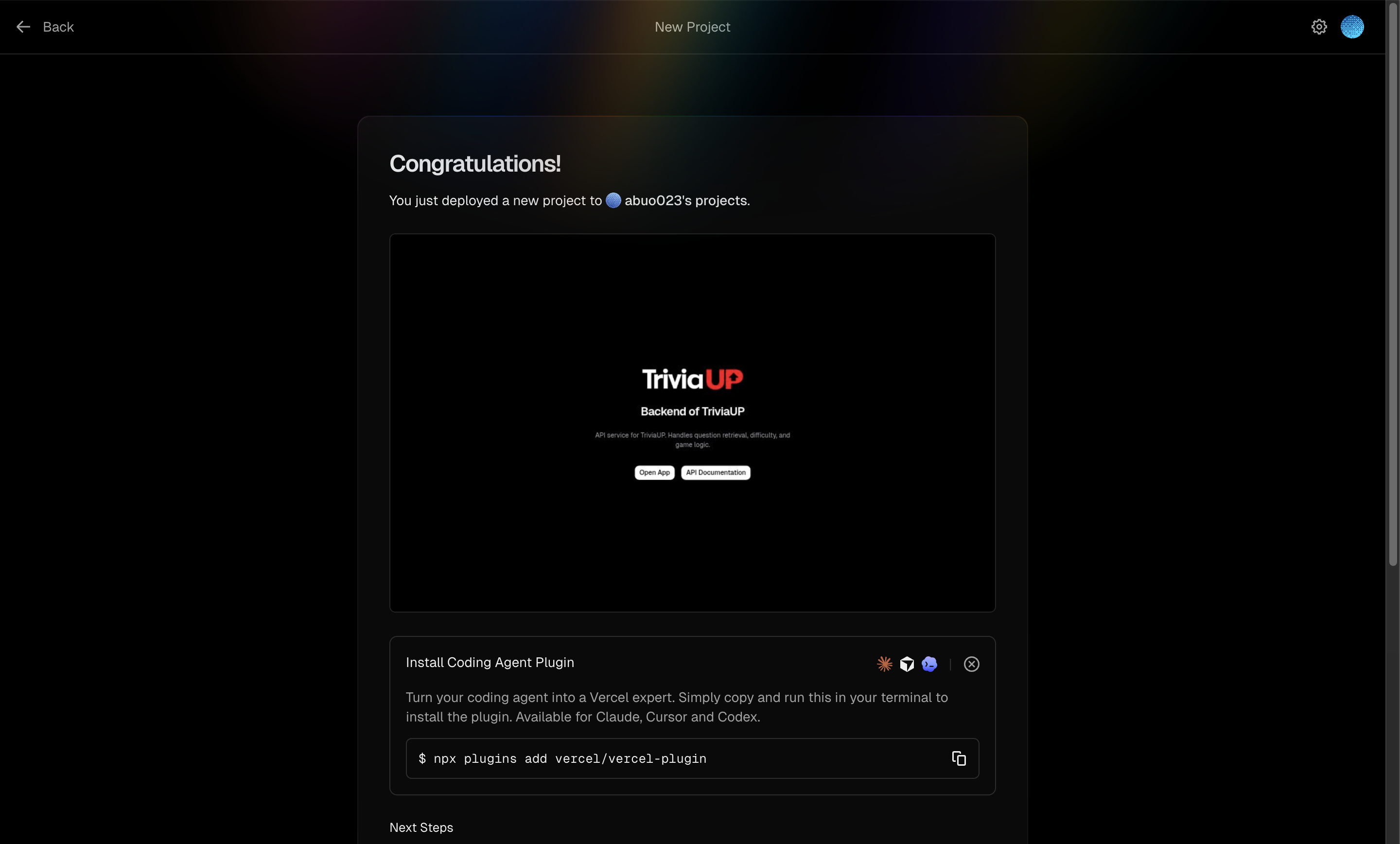
Once your frontend is deployed, you'll see this message:
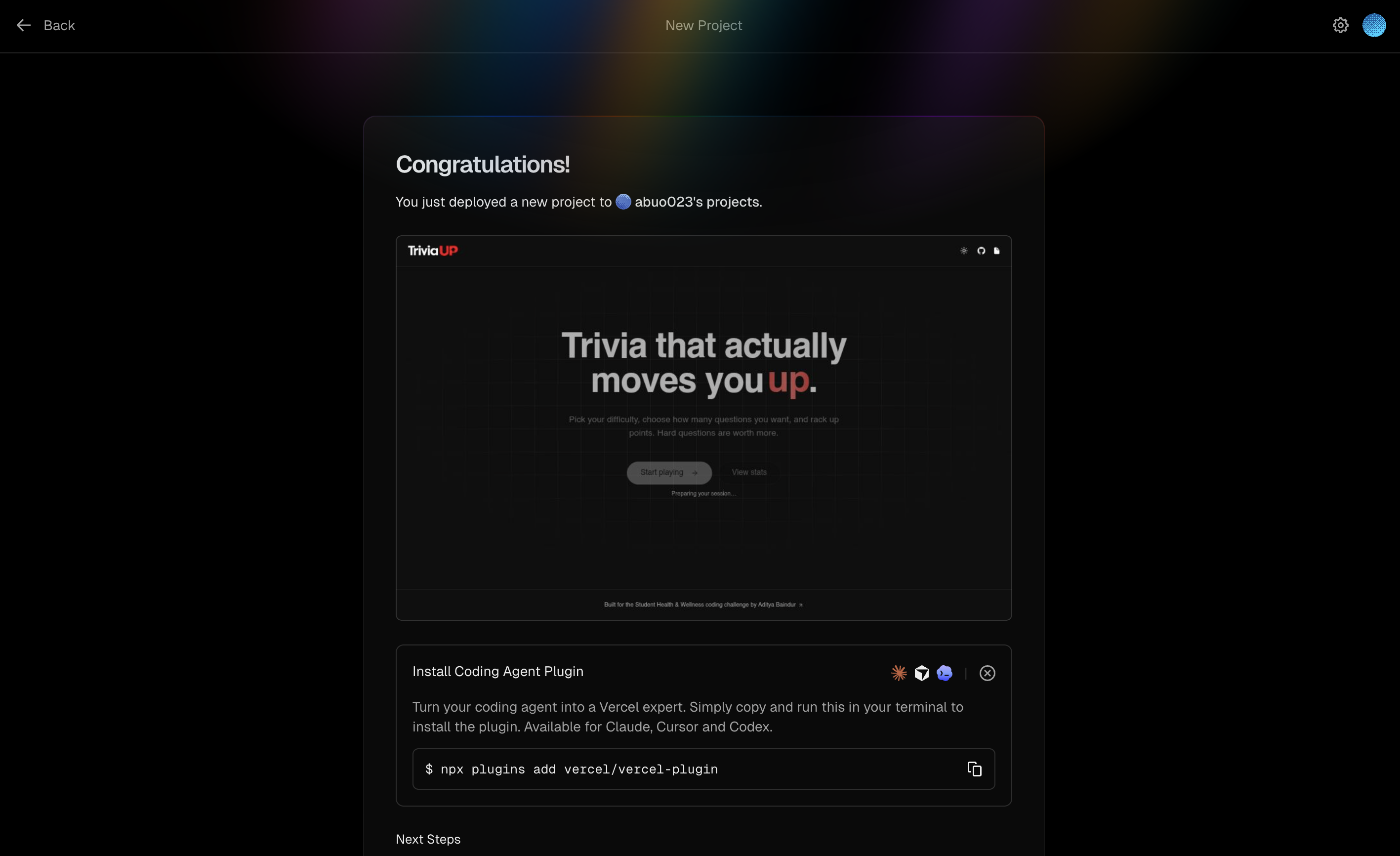
Congratulations! Now you have self hosted your own TriviaUP!
You can access your instance at :
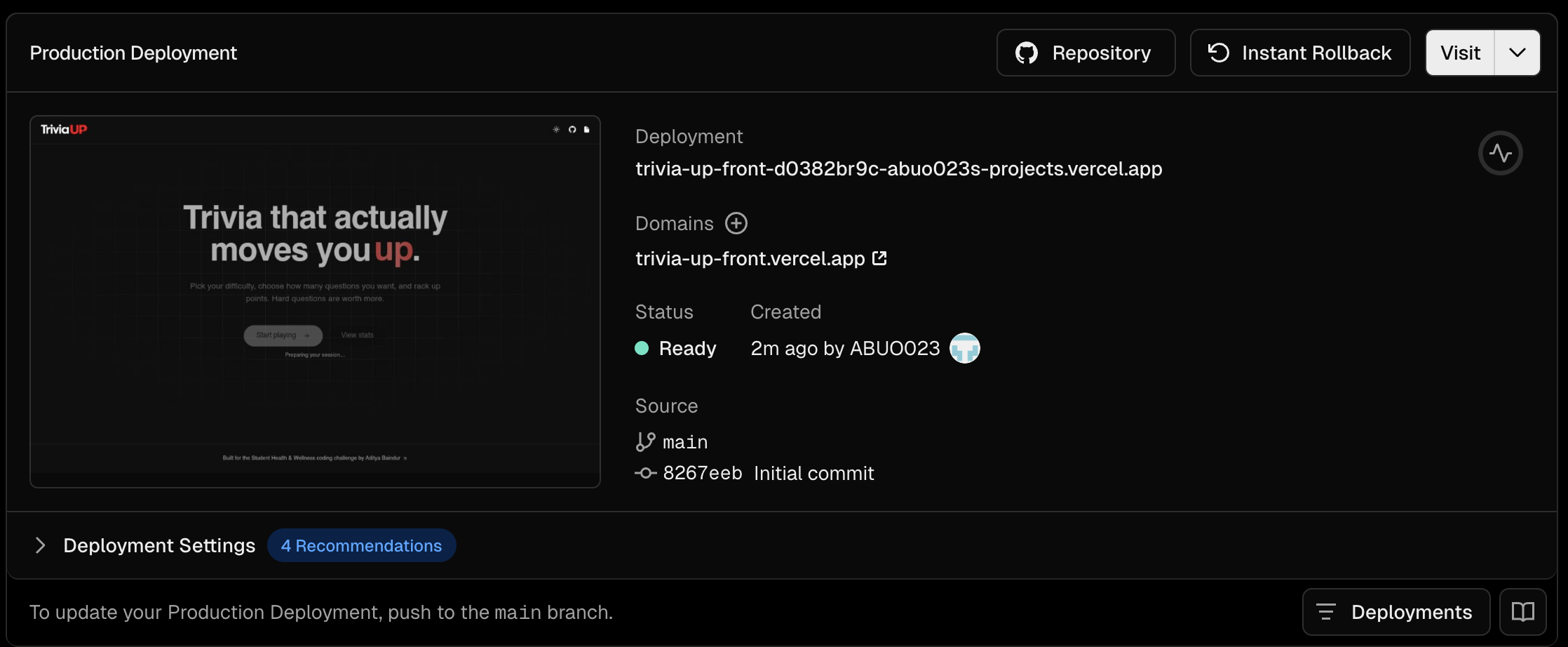
This tutorial is deployed at :